
Technology
Apple Brings Cautious AI Photo Editing to iOS 27: What iPhone Users Should Know

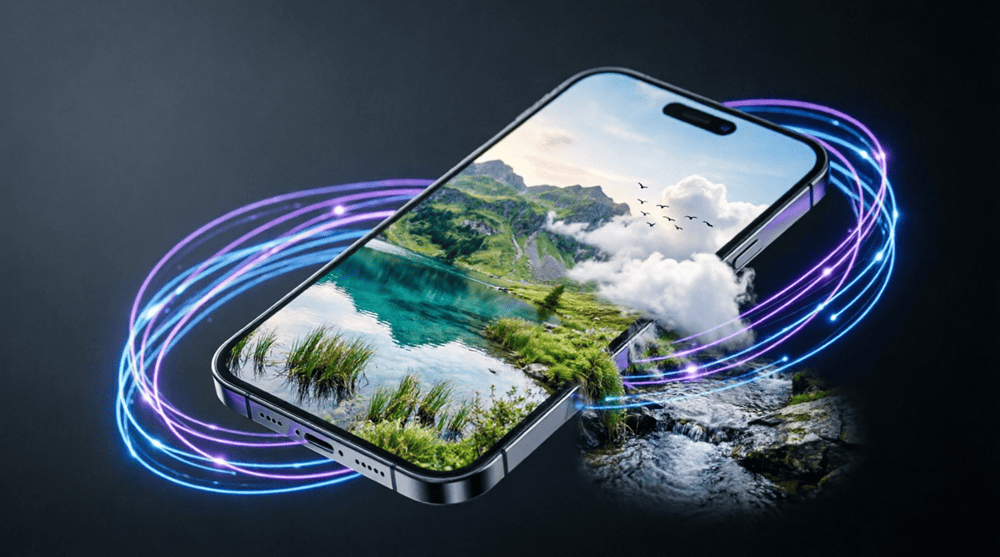
Apple unveiled new artificial-intelligence photo editing features in iOS 27 at its WWDC keynote, introducing Extend, Enhance and Reframe inside a new “Apple Intelligence Tools” section of the Photos app. The company says these tools run on-device, keeping user photos off cloud servers, and will mark a careful step into generative image editing for iPhone users.
What the tools do
Extend: Expands a photo beyond its original frame by generating new background content when you crop or zoom out. Use it to add sky, scenery or more room around subjects.
Enhance: A one-tap option that adjusts color, contrast and lighting using AI to make snapshots look cleaner and more vibrant.
Reframe: Lets you shift the perspective of spatial or 3D photos after capture; useful for images taken on Vision Pro or compatible devices.
Privacy and authenticity
Apple emphasized on-device processing and said images created or edited with Apple Intelligence will carry a SynthID watermark to indicate AI involvement. The SynthID watermark will help viewers know when images have been altered or generated by AI, a useful safeguard for spotting manipulated photos in social sharing or local news contexts.
Performance and availability
Bloomberg reported earlier that internal testing showed mixed results for some tools, and Apple did not confirm whether all three features will ship with the initial iOS 27 release or arrive later via updates. iOS 27’s developer beta is rolling out now, with a public release expected this fall. Devices that support Apple Intelligence are expected to include iPhone 16 models and some iPhone 15 Pro units; iOS 27 itself will support iPhone 11 and later.
On-device processing matters where mobile data is costly, or connections are slow. Since Apple says AI edits happen on-device, users can edit photos without consuming large amounts of mobile data or waiting for uploads to remote servers.
Hardware limits which phones can use the full suite. Many iPhone owners still on models older than the iPhone 15 may not get every Apple Intelligence feature.
How to prepare
Check your model: Go to Settings > General > About to see your iPhone model and confirm compatibility when iOS 27 arrives.
Free up space and update: AI features can require storage and the latest system files; back up important photos and install the iOS update from a stable Wi‑Fi connection.
Try the beta carefully: Developers and enthusiasts can test the developer beta, but expect some features to be unreliable and make backups before experimenting.